We found a couple of LUNs with data on them that didn’t have space reclamation enabled:
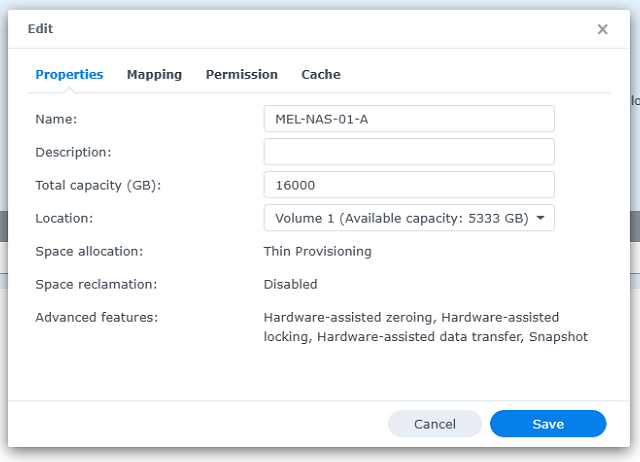
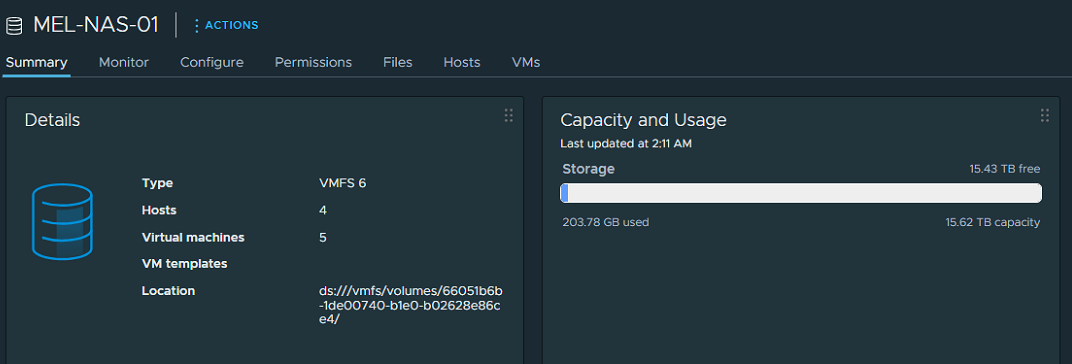
These LUNs were mapped to ESXi’s hosts, and were filling up and not doing any type of reclamation:

You can also check this setting via ESXi ssh, and run:
esxcli storage core device vaai status get
It will return something like this:
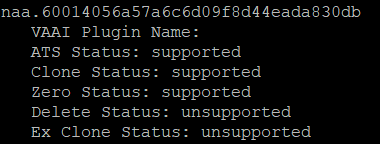
We need to have Delete Status: supported
To change this, take into consideration that a reboot on the NAS is needed, but no data will be lost. I’ve migrated my live VMs over to another storage, and kept some off/paused VMs on it.
Enable SSH to the NAS
cd /volume1

sudo vi \@iSCSI/LUN/iscsi_lun.conf
Change the line emulate_tpu to 1
dev_attribs=emulate_3pc:0,emulate_tpws:0,emulate_caw:0,emulate_tpu:1
Reboot the NAS
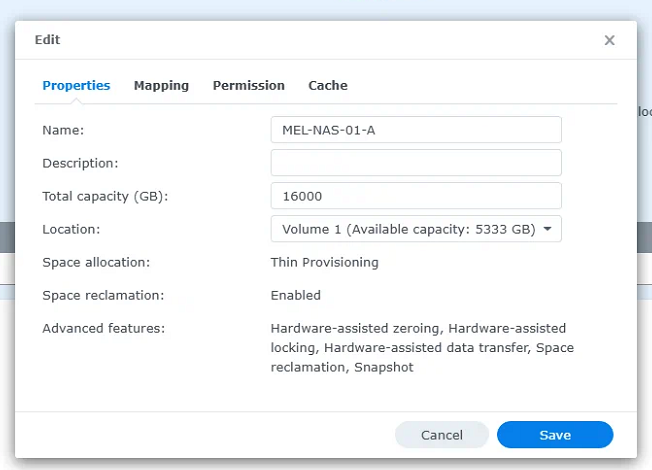
Check the device ID on ESXi:
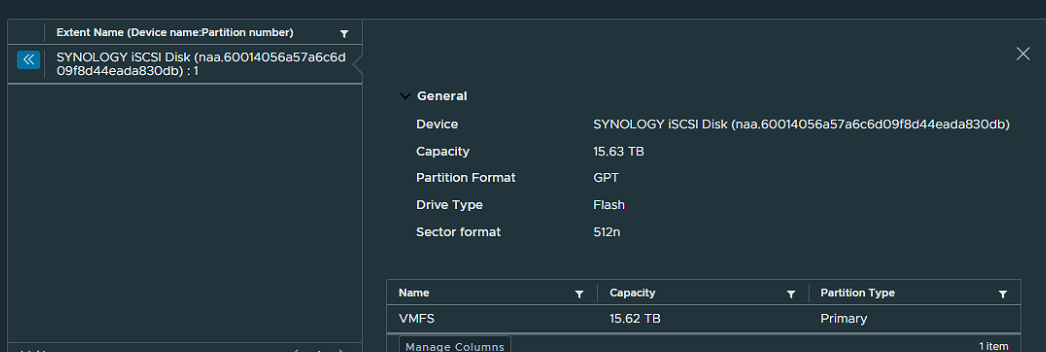
Match it to the result of the
esxcli storage core device vaai status get
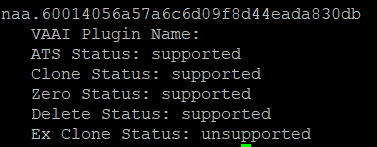
Start/force space reclamation via ESXi SSH:
esxcli storage vmfs unmap --volume-label MEL-NAS-01
If you want to change the priority of the reclamation:

Use this command:
esxcli storage vmfs reclaim config set --volume-label MEL-NAS-01 --reclaim-priority medium

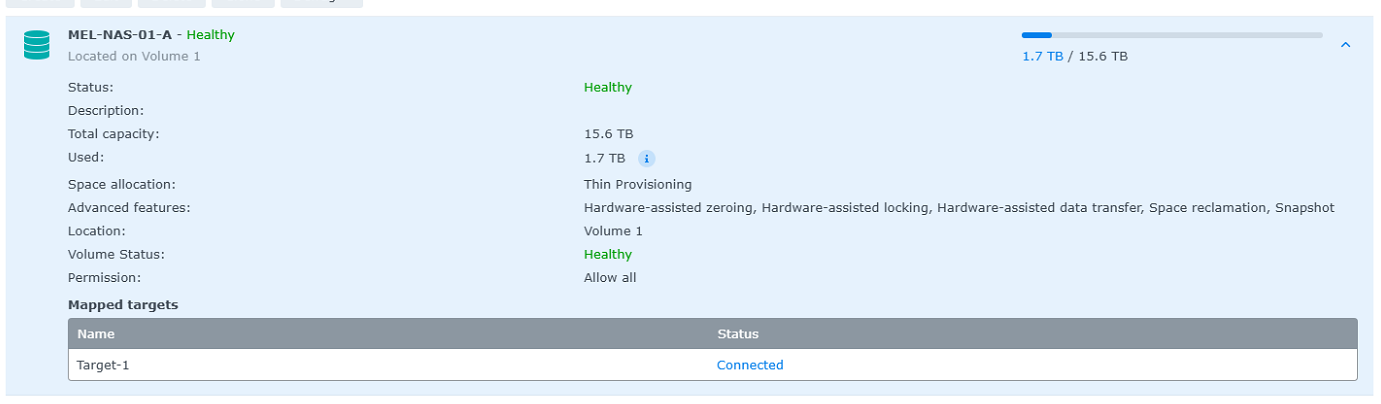
Expect the reclamation to take a couple of hours, this is how the LUN reclamation looks after 1 hour:
Thanks to this poster on the Synology forum for the tpu commands.